
For individuals
Write, research and create with AI.
Pick a model for each task, compare answers side by side and keep every project in one place.
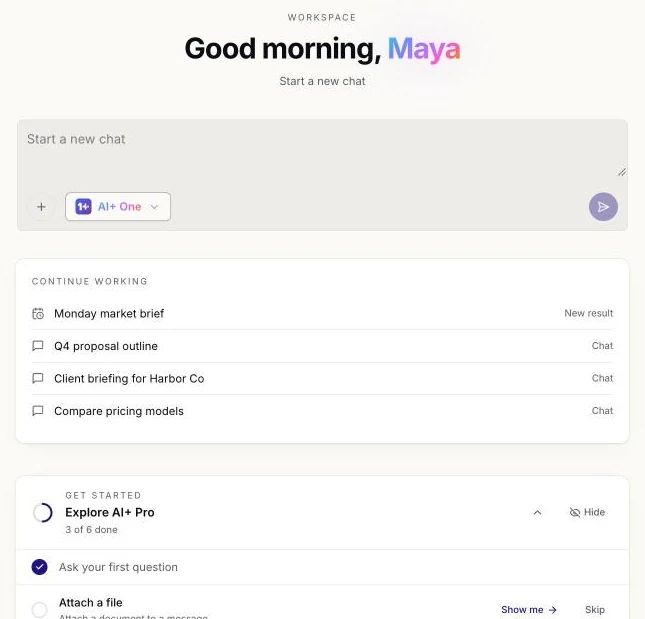
Watch AI+ Pro at work
Compare models side by side, see what each answer costs and keep every project in one place.
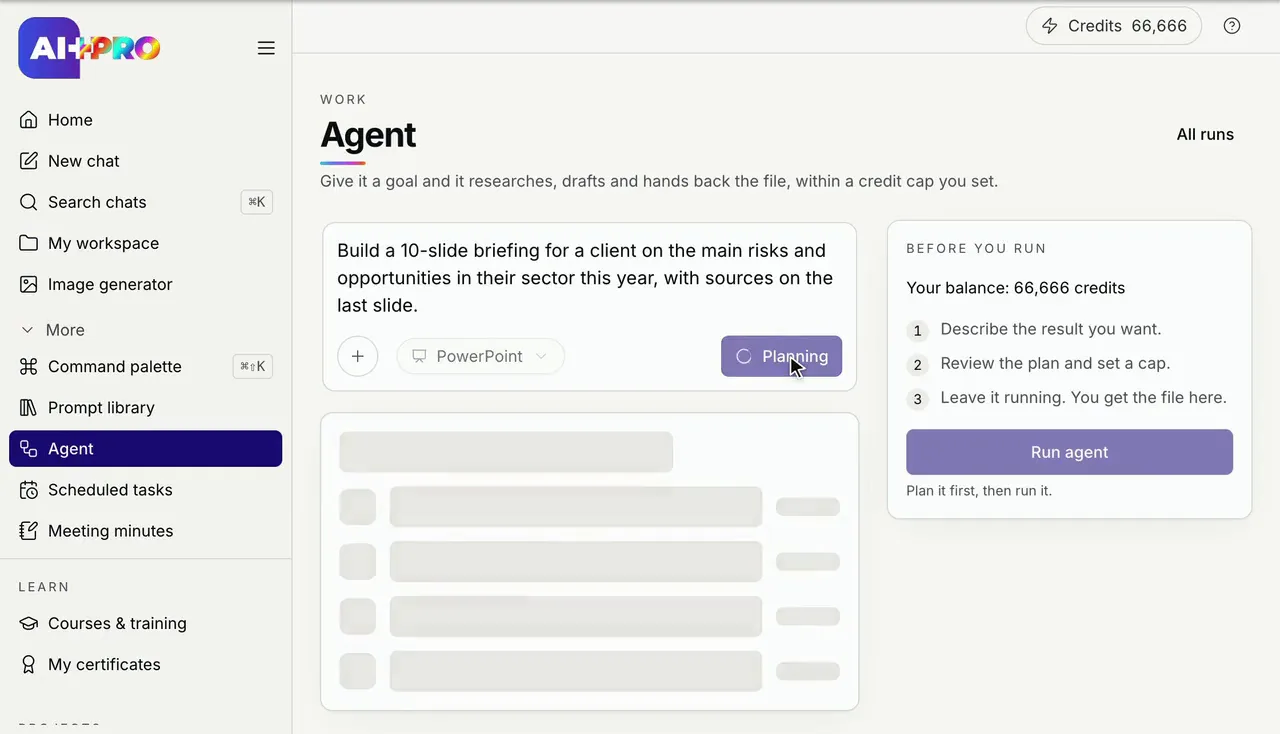
- See the cost firstDeep research shows a credit estimate before you send.
- Check the answerCompare models side by side, or run a fact check.
- Bring your historyImport your projects and chats from ChatGPT or Claude.
Arena
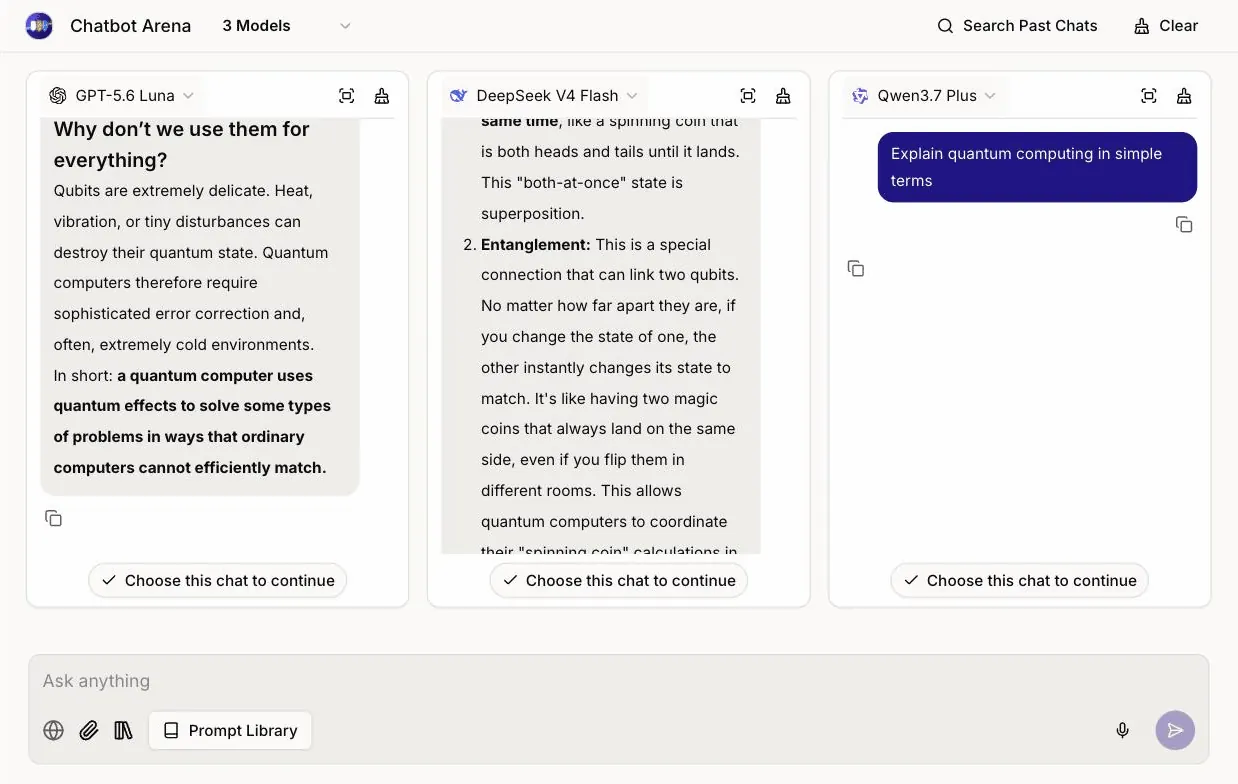
Compare models side by side
Send one question to several models and continue with the answer that holds up.
- Spot weak reasoning fast
- Continue with the best answer
- Switch models in any chat
Deep research
Research with sources you can open
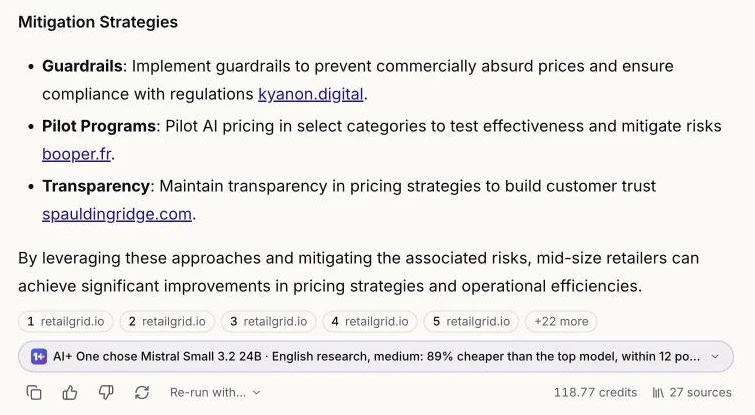
Deep research searches the web and returns a report with its sources listed.
- Sources listed with the report
- Follow-up questions in the same chat
- Credit estimate before you send
Projects
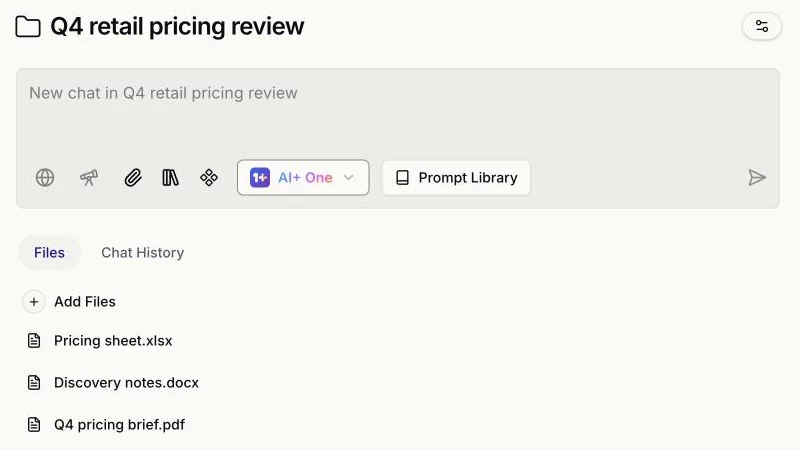
Keep each piece of work together
A project holds the files, chats and instructions for one job, so you never start from zero.
- Answers draw on your project files
- Pin requirements in the instructions
- Pick up where you left off on Home
- Import your history from ChatGPT or Claude
Files and deliverables
Turn your files into finished work
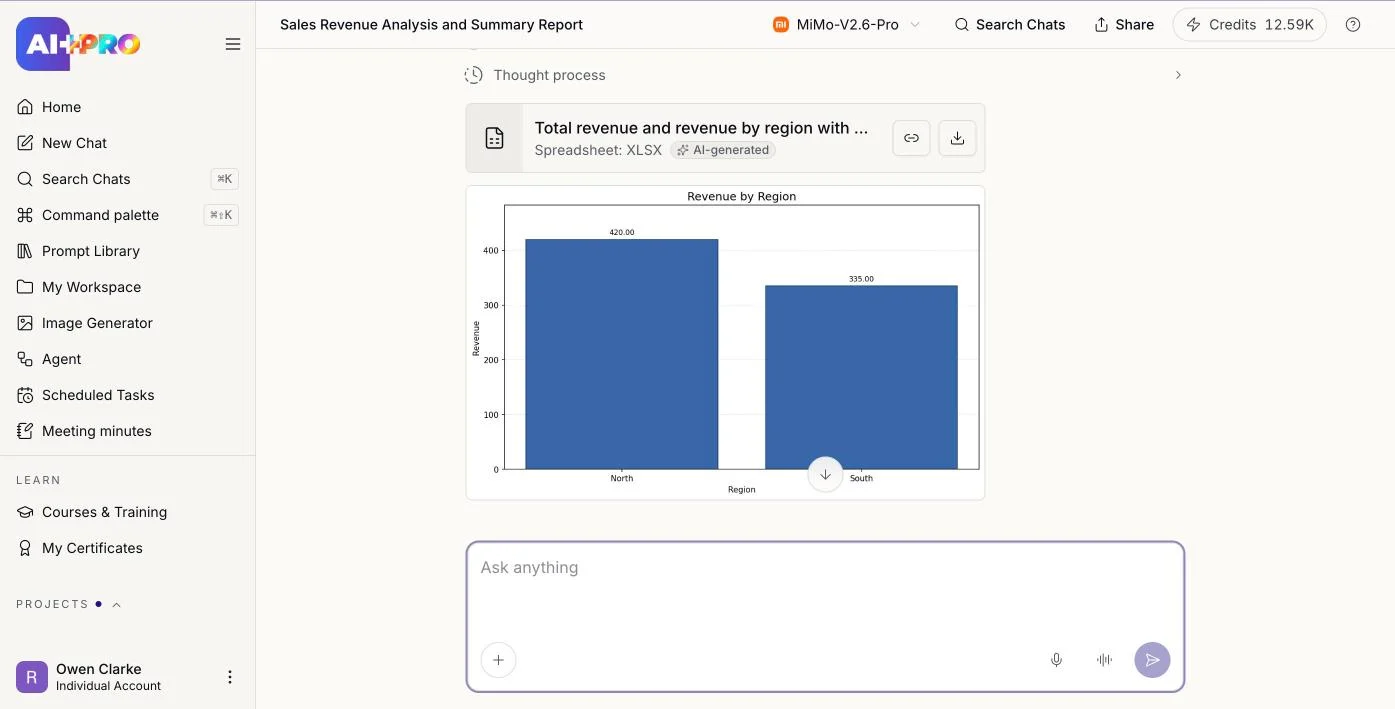
Bring a spreadsheet, a transcript or a Word file and get the result back as something you can use.
- Analyse a CSV: figures, charts and the script
- Minutes from a pasted transcript, with owners and dates only where it states them
- Word redlines as real tracked changes
- Client links that expire, with an optional passcode
From meeting notes to a first draft
Add your notes
Upload meeting notes and the client brief.
Ask for a draft
Request a one-page briefing with open questions.
Check it
Compare names, dates and facts with your notes. Run a fact check, or ask another provider's model for a second opinion.
Use it
Take the reviewed briefing into your next meeting.
Example workflow for a consultant’s client briefing.
You stay in control
- Your choice of model in every chat
- Personal and work chats kept apart
- Certificates anyone can verify
- Delete your account and data at any time
AI can make mistakes. Check important facts before you use them. Read how your data is handled
Learn the method. Then use it.



Questions before you begin
Is there a free plan?
Yes. You get 5,000 credits when you sign up, as a one-time allowance that expires after a set period. Plus adds 7,000 credits every month. The pricing page shows every plan and the current expiry.
Which models can I use?
You choose from several leading models in each chat, or let AI+ One choose. Arena compares answers from more than one model side by side.
How do credits work?
Credits pay for model and tool use. Larger models and longer tasks use more. The app shows an estimate before you send.
Start with today’s task.
Create a free account and bring the question, draft or idea in front of you.
Create your free account