One-click · common workflows
Task-Specific Applications
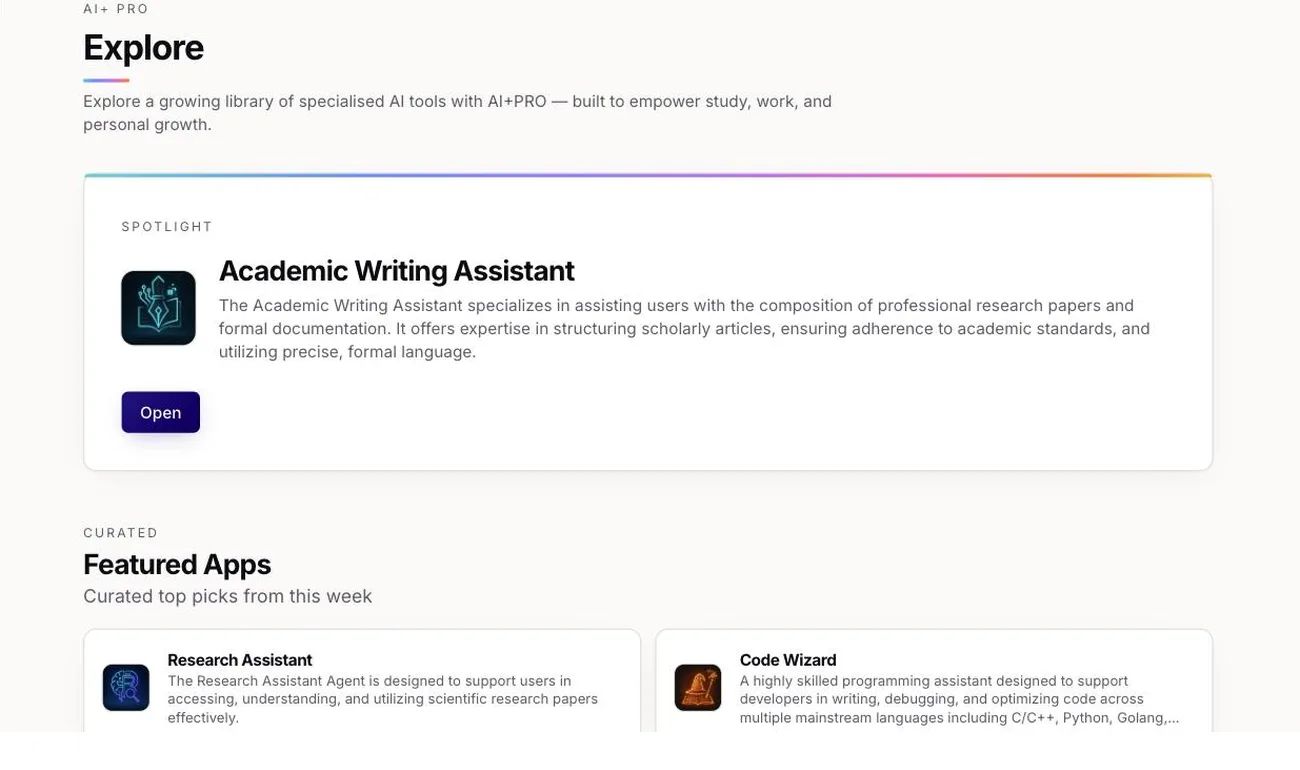
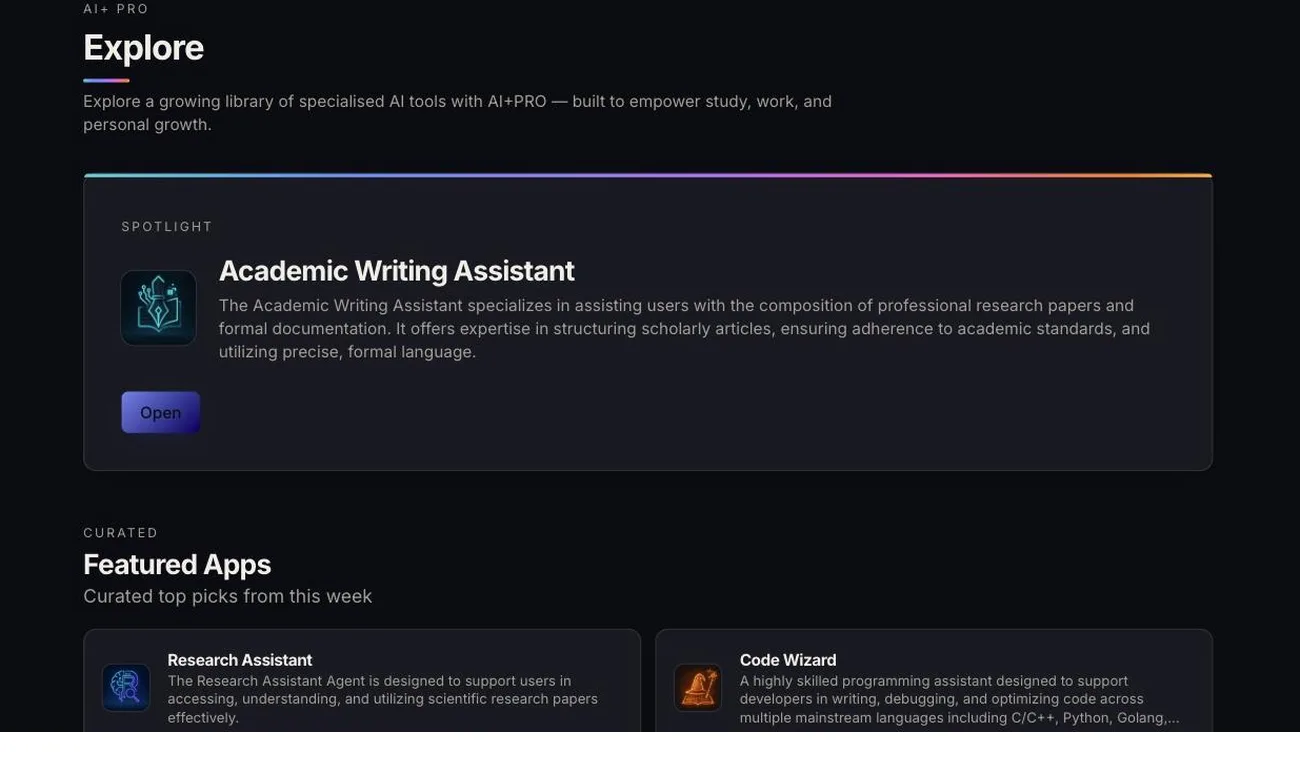
Pre-built apps for RFP responses, contract review, and research synthesis. Start productive immediately, no prompt engineering required.
Platform Capabilities
The secure all-in-one AI platform for organizations, teams, and individuals.
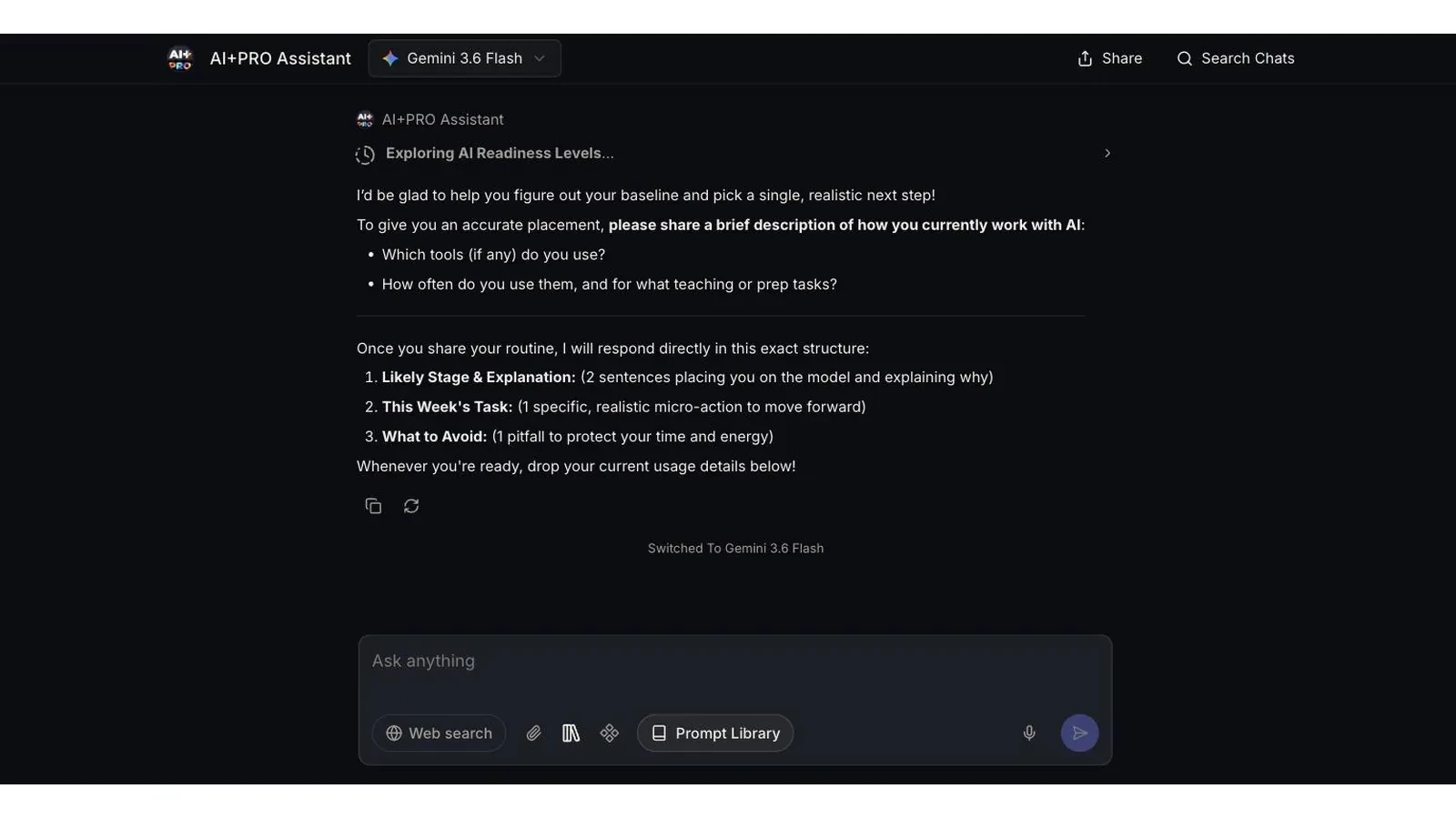
Ask the question you would ask a colleague. The workspace answers from your documents, the web, or both at once.
No prompt engineering course, no migration project. A department is productive in an afternoon because the workspace works the way the work already does.
20+ AI Models
Run the same prompt across several leading models simultaneously. Compare outputs side-by-side to ensure accuracy.
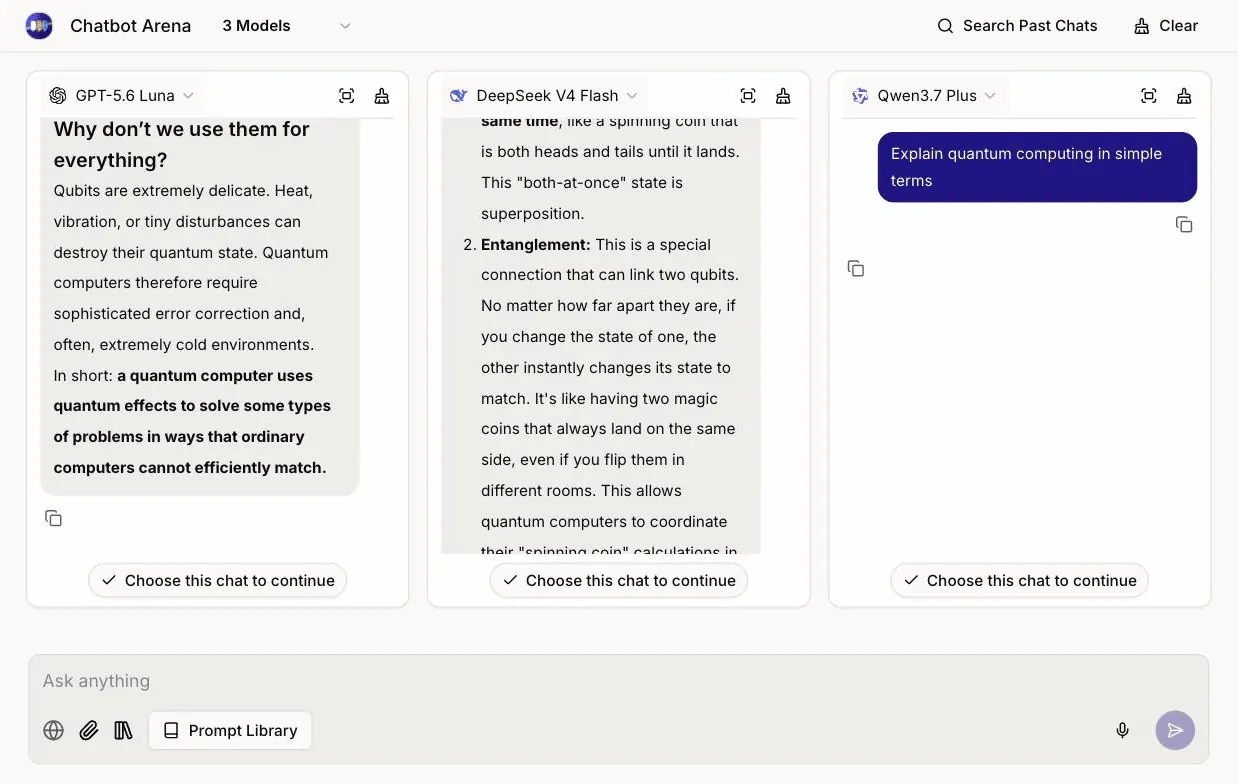
One prompt, three models: GPT-5.6 Luna and DeepSeek V4 Flash have answered, Qwen3.7 Plus is still writing. The comparison is yours to make rather than a vendor's to claim.
Hybrid web + your files
Your documents stay your competitive advantage. Upload once, query across all your institutional knowledge with any AI model.
Retrieved for this answer
Only these snippets reach the model. The full documents stay in storage you control.
Everything else that ships in the same subscription, under the same controls.
One-click · common workflows
Pre-built apps for RFP responses, contract review, and research synthesis. Start productive immediately, no prompt engineering required.
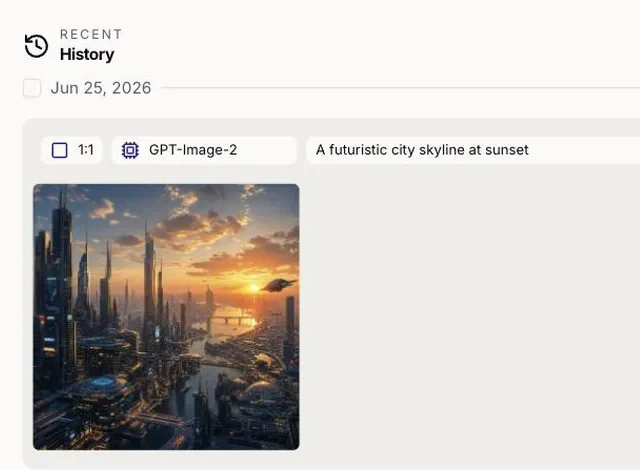
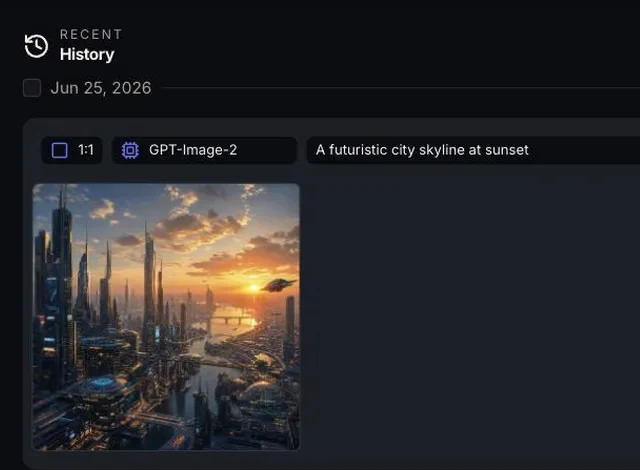
2 · image models
Generate high-quality images from text descriptions using advanced AI models. Perfect for creative projects and visual content needs.
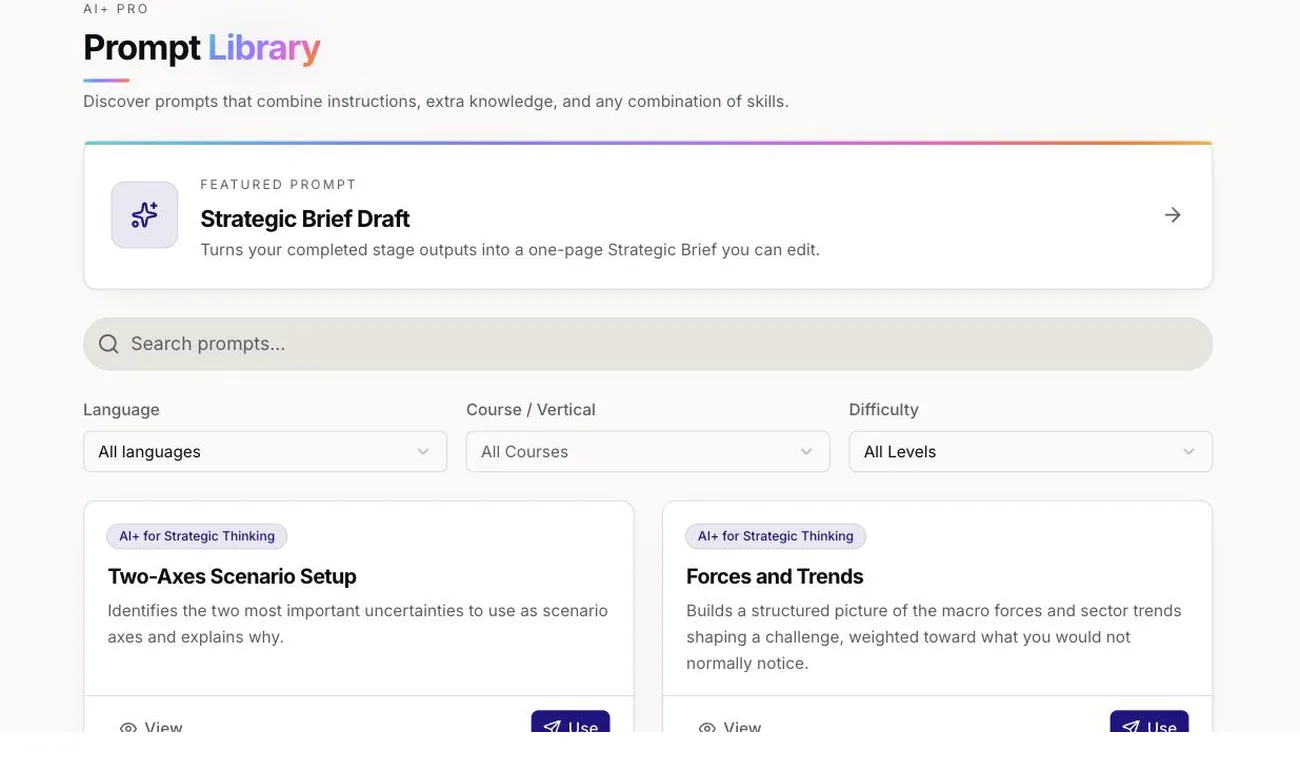
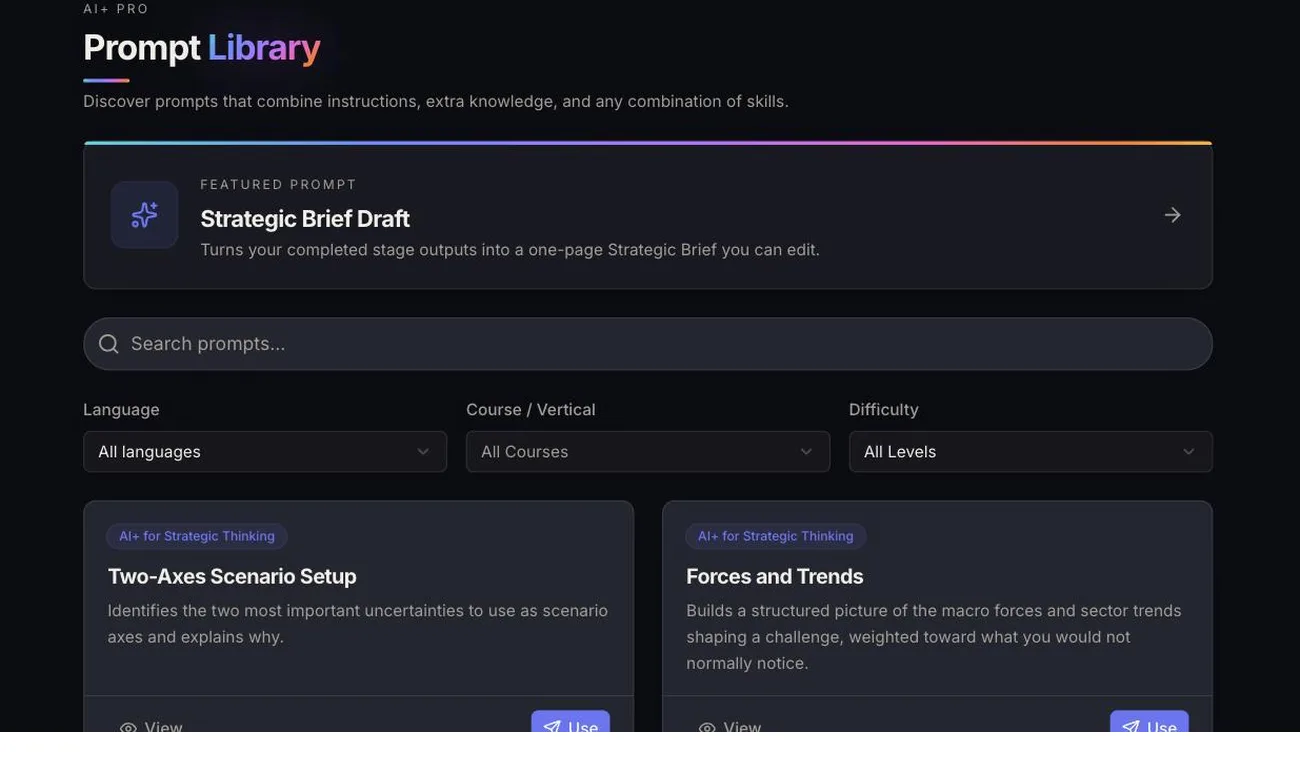
Team-wide · and role-specific
A tested prompt library organized by task and difficulty. Save time with proven templates for common workflows.
Share prompts, templates, and knowledge across your organization. Build institutional AI memory that grows smarter with use.
Shared · by defaultFull visibility into AI usage, costs, and compliance. Control access, monitor activity, ensure responsible AI adoption at scale.
SSO · SCIM · includedAssign courses, run timed assessments and issue serialised certificates from the Straits Institute for Applied AI, inside the same workspace.
40 · courses in the libraryThe same workspace, pointed at different work. These are the jobs teams bring it in for first.
Answer an RFP against your own past submissions, and read a contract with the policy that governs it open in the same window.
Synthesise across a stack of reports, interrogate a spreadsheet as a table, and check the answer against a second model before it ships.
Draft from the house material rather than from scratch, generate the visual to go with it, and train the rest of the team inside the same workspace.
The ones we are asked most often before a pilot starts.
What is AI+ Pro?
AI+ Pro is an all-in-one AI platform for organizations, teams, and individuals that need versatility, security, and real results. It helps users produce better work, build essential AI skills, and complete tasks efficiently — while ensuring your data remains yours. Designed for an AI-enabled future, AI+ Pro provides the structure to scale AI adoption, strengthen digital capability, and drive meaningful impact across institutions and enterprises.
Which AI models can I access?
Access to 20+ leading models, spanning the major commercial and open-weight families. Run the same prompt across several of them simultaneously to compare quality, reasoning, and speed side-by-side. Mix commercial and open-source models based on your organisation's privacy, cost, and performance needs.
Who is AI+ Pro built for?
Institutions & Enterprises: Scale AI with governance and privacy protection. Professionals & Teams: Draft, research, and analyze faster and more securely. Librarians & Learning Centers: Provide a safe, controlled AI workspace. Educators: Use structured AI tools to support teaching. Students: Build practical AI skills with guided practice.
What file types does AI+ Pro support?
AI+ Pro supports a wide range of common document and text formats. You can upload and work with PDFs, Word documents, PowerPoint slides, Excel sheets, and many other text-based files such as CSV, TXT, Markdown, JSON, and XML. Image formats like JPG and PNG are also supported for vision-enabled models.
How is AI+ Pro different from consumer AI tools?
All-in-one AI workspace for text, image, research, and workflows — all inside a secure organisation-controlled environment. Secure internal knowledge space where teams can safely use proprietary documents without exposing data outside the organisation. Built-in AI training and guided prompts to help staff develop consistent AI skills across all departments. Standardised outputs and repeatable workflows through task-based apps and templates, ensuring accurate, trackable, and compliant results.
What is RAG and why does it matter?
RAG (Retrieval-Augmented Generation) lets AI pull information from your own documents before answering. It gives more accurate, context-aware results using your internal knowledge—not generic internet data. Only small relevant snippets are used, so your full documents stay private.
Can AI+ Pro search the web and my files at the same time?
Yes — AI+ Pro uses a Hybrid Answer Engine that combines web search with your internal documents in one response. You get answers that are accurate, up-to-date, and fully grounded in your organization's own information.
Every model, every document, every prompt and every certificate in one place — on one bill, under one set of controls.