For your team · Operations and administration
The administrative load, moved off the desk.
Administrative work is the clearest case in the catalogue: high volume, highly patterned, and almost entirely made of drafting, formatting and retrieval. It is also the work most likely to involve something confidential, which is why the safety half of this matters as much as the speed half.
What the work looks like
Not features. The tasks this role actually brings, and what changes about them.
What people finish able to do
Taken from the course itself, not written for this page.
Identify the admin tasks where AI saves you the most time, instead of experimenting at random.
Write effective prompts for correspondence, minutes, scheduling, reports, and enquiry responses using the Admin Prompt Toolkit.
Check AI output for accuracy, tone, and confidentiality before it goes into a professional document or out to a client.
Handle sensitive and classified information safely when working with AI tools.
Build a consistent AI habit that makes you measurably more productive week to week, not just on the day you try something new.
Protect the judgement and discretion that make an administrative professional trusted, while AI carries the drafting.
Half of what crosses this desk is confidential.
That is the argument for a sanctioned deployment rather than against AI: the alternative is not that nobody uses it, but that it is used somewhere nobody can see. Documents stay where you put them, only retrieved passages reach a model, nothing is trained on, and access is logged against a named account.
The course written for this role
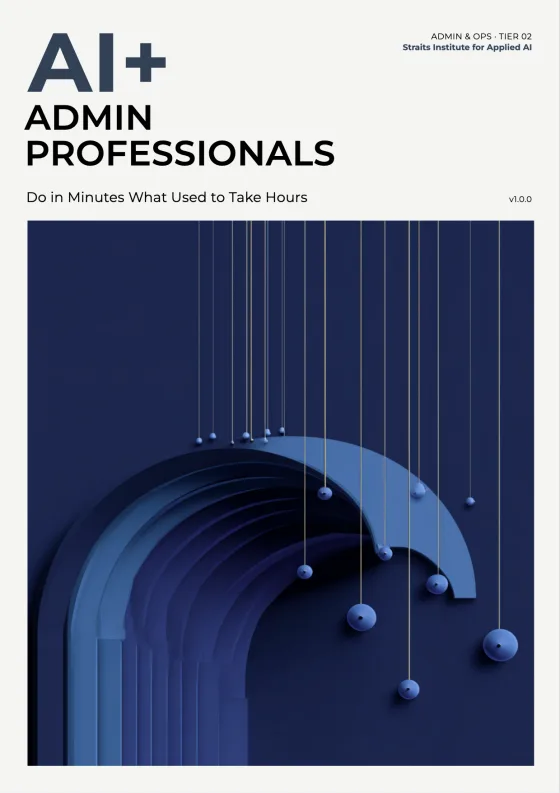
AI+ Administrative Professionals
Work Smarter, Faster and with More Impact
6 modules · 103 lessons · 4h 39m of video
- AI in Administrative Work
- Prompting AI for Admin Tasks
- Correspondence, Meetings and Scheduling
- Documents, Filing, Data and Reports
- AI Safety for Confidential Work
- Making AI Part of Your Working Week
3 courses written for this work
The lead course above, and the rest of the library for this cluster. Each has its own curriculum, its own assessment and its own certificate.


What this role asks
Taken from the courses themselves. These are the questions the people who wrote them kept being asked.
Do I need any technical background for this course?
No. It is written for administrative professionals, not for technology specialists, and assumes no prior experience with AI tools.
My job title is different — is this still for me?
Almost certainly. The course is written for administrative officers, office coordinators, personal assistants, registry clerks, office managers, team administrators, and departmental secretaries. The title varies; the work does not.
Can I use AI on confidential or classified material?
Not without clear rules, which the course provides. You learn what must never enter a prompt, how to work with sensitive material safely, and how to keep confidentiality intact while still saving time.
How do I keep the output sounding like our organisation rather than generic AI text?
Tone is treated as a core evaluation criterion alongside accuracy and confidentiality. The Admin Prompt Toolkit is built to produce drafts in your organisation's register rather than default AI phrasing.
Will this make my role redundant?
The course is direct about what AI cannot do: the judgement, discretion, and relationship work that make an administrative professional trusted. AI takes the drafting load; the accountability stays with you.
How quickly will I see the time saving?
The tasks targeted first — correspondence, minutes, scheduling, reports, and enquiry responses — are the ones that recur weekly, so the saving compounds as the habit becomes consistent.
A pilot runs on your own documents, with the people who would actually use it, and the reporting comes back to whoever has to answer for it.